

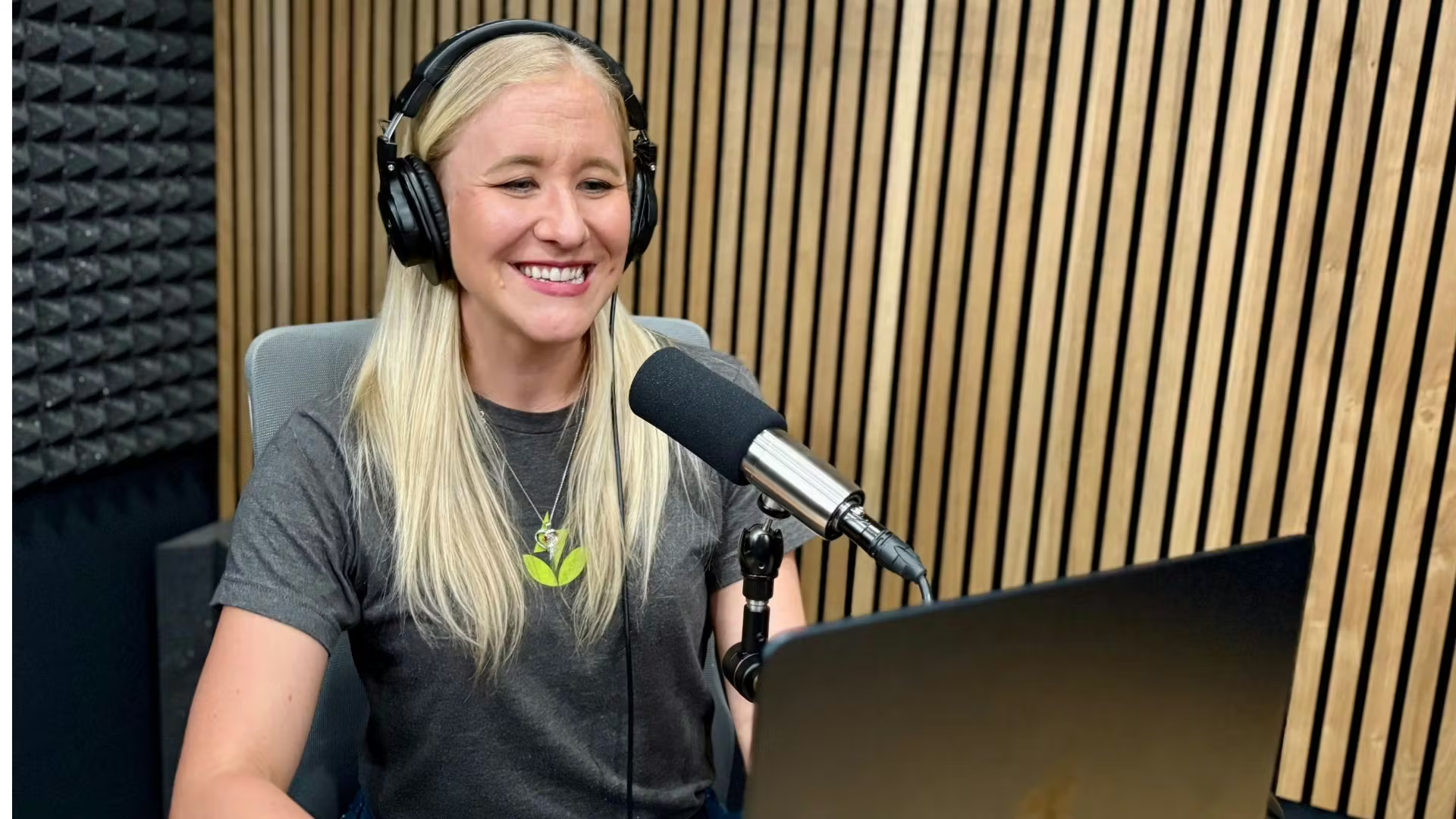
How to Record Your First Podcast Episode: A Comprehensive Guide
Starting your podcast journey can seem daunting, especially if you’re not well-versed in technology. Yet, the good news is you don’t need extensive experience, expensive equipment, or a big budget to produce high-quality podcast episodes. This guide will walk you through the vital steps to kick off your podcasting adventure effectively!
Step #1: Create a Podcast Outline
An effective podcast outline is essential for a smooth recording. This can range from a few bullet points to a fully scripted approach. Crafting an outline enhances your ability to:
- Communicate your ideas clearly
- Avoid rambling
- Maintain listener engagement
Investing just 15 minutes in creating an outline can significantly elevate your episode’s quality, especially if you share it with co-hosts or remote guests.
Step #2: Select an Optimal Recording Location
The setting where you record can dramatically impact audio quality. To achieve professional-sounding results, choose a space that minimizes echo and interference. Ideal recording locations include:
- A closet filled with clothes
- A carpeted room around 10×10 or 10×12 feet
- A home studio with soundproofing foam panels
Seek out rooms with ample soft furnishings and minimal background noise to enhance your sound quality.
Step #3: Choose Your Recording Method
Depending on your needs, there are various recording setups available. Consider one of these methods:
Podcast Recording Software
Using dedicated podcast recording software is straightforward, particularly for solo recordings or when recording in the same room as others. Simply connect your microphone, choose your audio settings, and start recording.
USB Microphone Setup
New to podcasting? The Samson Q2U is a fantastic, budget-friendly USB microphone option. Just plug it into your computer and select it as your input/output device in your software settings.
XLR Microphone Setup
For those who intend to record with multiple guests or require mobility, XLR microphones are preferable. Remember, these mics necessitate an audio interface to connect to your computer. Plug your XLR cable into your audio interface and then into your computer’s USB port for seamless recording.
Video Conferencing Tools
Platforms like Zoom allow you to record interviews over the internet. However, ensure both you and your guest have a strong internet connection to avoid audio issues. For better quality, consider recording audio-only if the connection isn’t stable.
Remote Recording Platforms
These platforms specialize in allowing guests to record locally, ensuring studio-quality sound. They upload to the cloud automatically, safeguarding your recordings.
Double-Ender
A double-ender setup involves both participants recording locally. While this method is effective, it may not be the easiest option for beginners due to its complexity.
Portable Recording Device
Using a device like the Zoom Podtrak P4 is an excellent choice for recording while traveling. These recorders capture high-quality sound and come with features that allow you to connect to smartphones or adjust individual guest volumes.
Step #4: Optimize Your Mic Technique
To ensure a clean recording, pay attention to your microphone technique. Avoid plosives and clipping by following these tips:
- Proximity to the Mic: Closer positioning enhances sound quality. Higher-pitched voices benefit from being near the mic, while lower voices should adjust slightly back.
- Understand Mic Sensitivity: Different microphones have varying sensitivities to frequencies. Position your mic appropriately, shifting it on-axis or off-axis as needed.
Step #5: Export Your Audio File
Upon completing your recording, it’s best to export your file as an MP3. This format offers a balanced choice of sound quality and file size, making it the industry standard on platforms like Apple Podcasts and Spotify.
Final Thoughts
Recording a podcast doesn’t have to be intricate; achieving excellent audio quality is possible without sophisticated setups. Precise planning and consideration of your chosen methods can save you time during post-production and significantly improve your content quality.
For further insights on launching your podcast, check out our How to Start a Podcast guide for tips and tutorials!
