

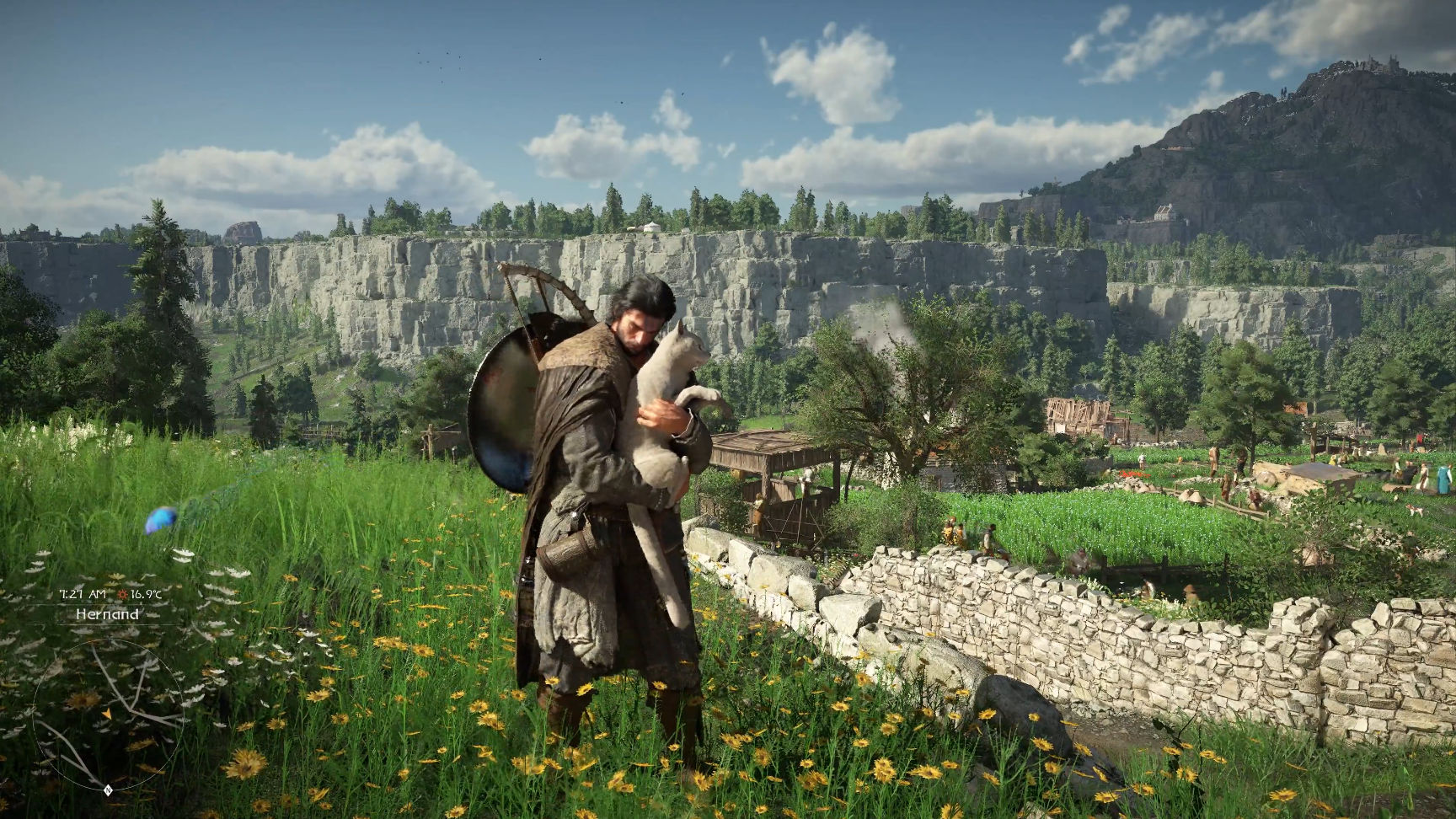
Pearl Abyss has officially released Crimson Desert across all platforms, accompanied by a Day One update (version 1.00.02) that delivers significant improvements and comprehensive fixes to ensure the best possible gameplay experience.
The update is currently available to PC users via Steam, and will later be released for Xbox, Epic Games, and Mac. PlayStation players will receive the update in two phases (versions 1.00.01 and 1.00.02).
This urgent technical support focuses on addressing gameplay balance, particularly in boss fights, improving animation quality, visual effects, and lip-syncing, and adding new tutorials in Chapter 3 to help players explore complex game systems like Abyss Gears.
Key changes include a new tutorial at the beginning of Chapter 3 and significant improvements to the Housing mode and its usability. The update also includes:
Scene Speed: Fast-forwarding to previously watched cutscenes.
Difficulty Adjustments: The QTE (Quick Time Attack) challenges when captured by enemies have been balanced to increase progressively.
Combat Adjustments: The bear’s “Instant Kill” attack has been removed, and its overall damage has been adjusted. The appearance of companions in the Greymane menu has also been fixed.
Skill and Boss Improvements
The skill menu has been improved to separate names and descriptions based on weapon type. Finishing moves have been added for Kliff, Damane, and Oongka. Regarding bosses:
Tenebrum Battle: Players no longer need to replay the puzzles section after dying in Chapter 4.
Balance of Power: The combat balance for some bosses, such as Reed Devil, has been adjusted, and a glitch that exposed players to attacks during respawn has been fixed.
Performance and Translation Improvements
Pearl Abyss has implemented extensive performance and stability improvements for both PC and consoles to address crash issues. Translation errors in all available languages have also been corrected, and the interactions and dialogues of the side characters (NPCs) have been improved to be more realistic and appropriate to the dramatic context, while addressing visual interference (clipping) issues.
